

Using GrailVault
Password generator
Create strong random passwords with a strength meter.
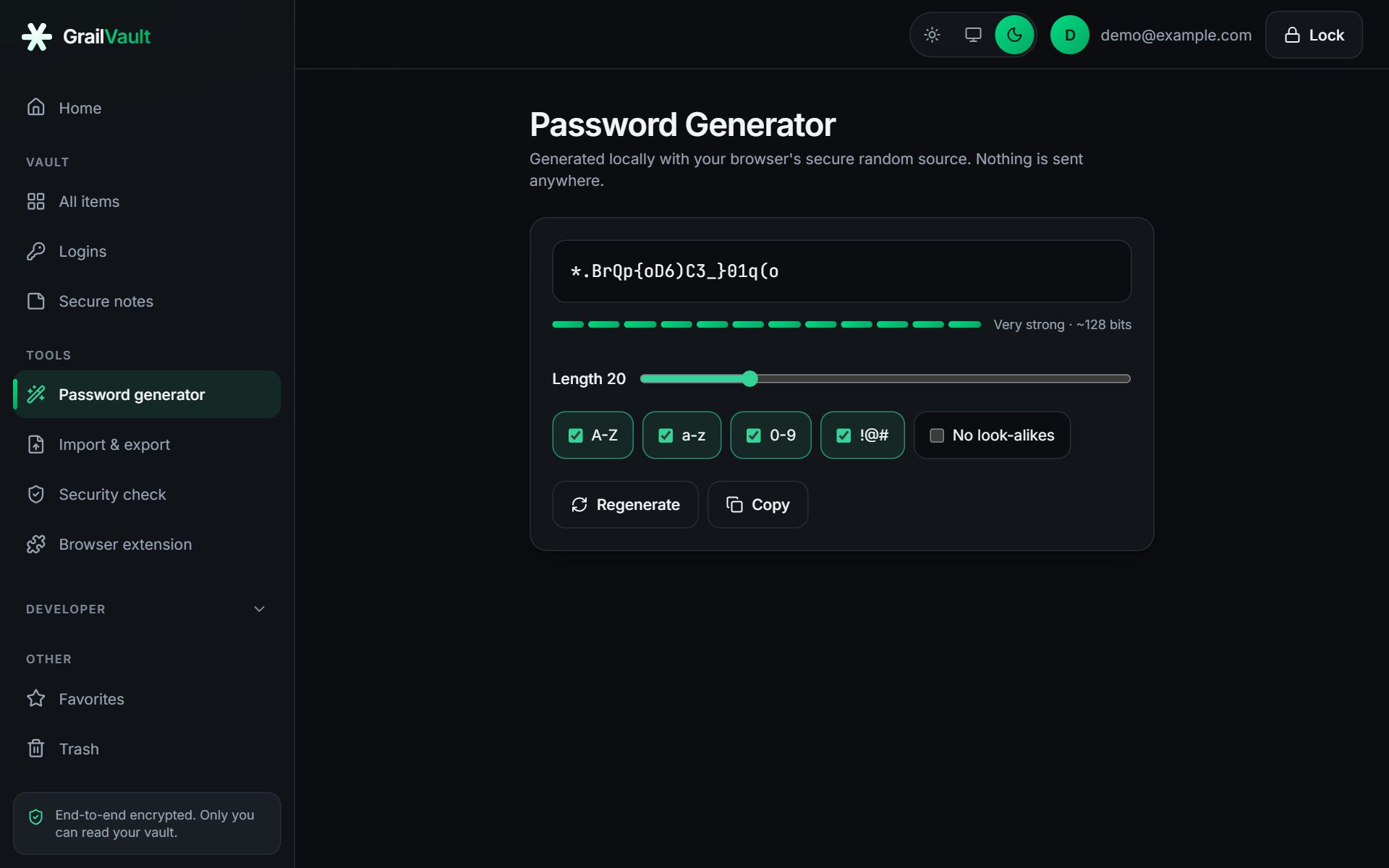
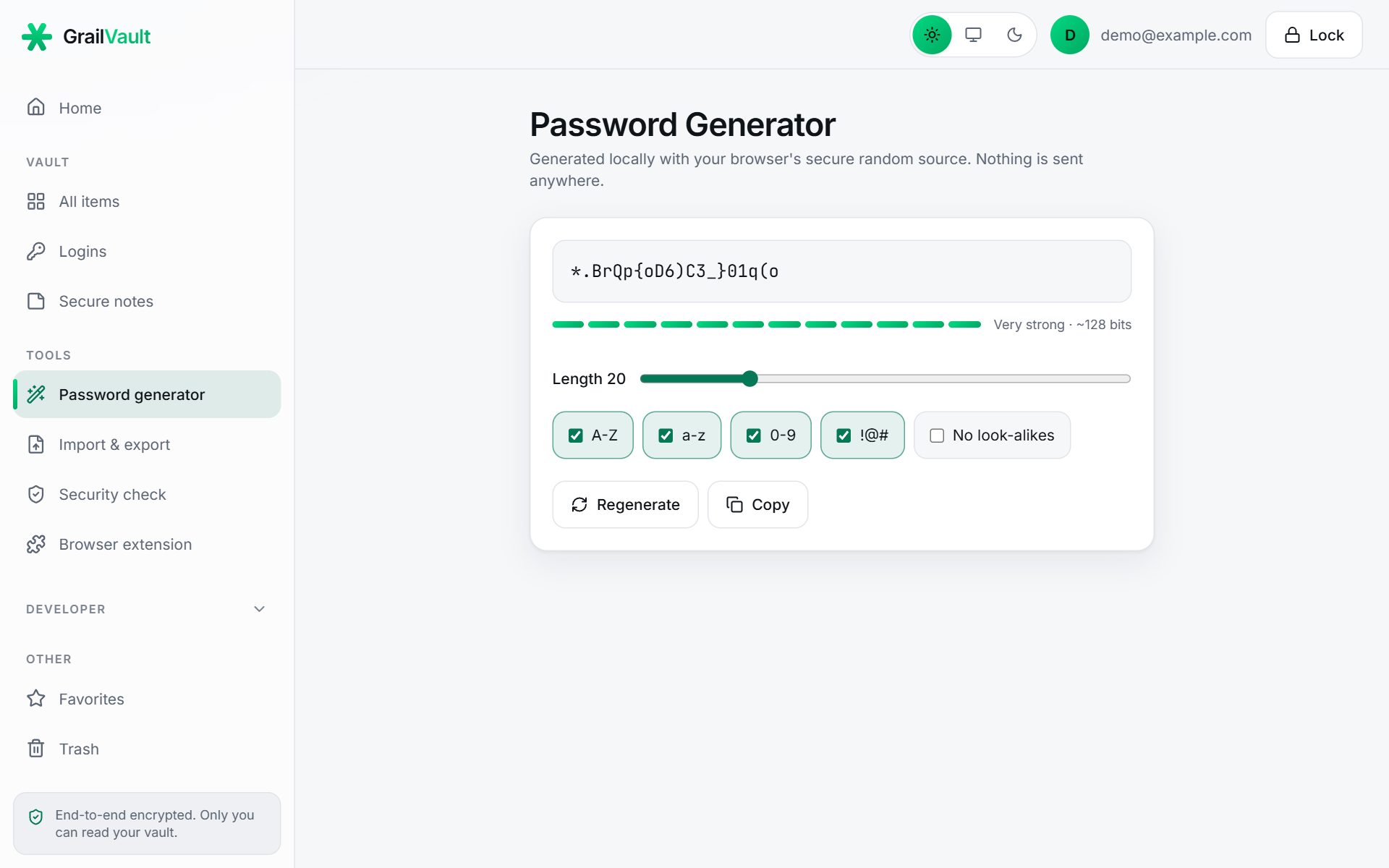
Open Password Generator in the sidebar, or choose Generate password while adding a password credential.
#Options
| Option | What it does |
|---|---|
| Length | From 8 to 64 characters. The default is 20. |
| A-Z, a-z, 0-9, !@# | Turn each character set on or off. At least one of each selected set is always included. |
| No look-alikes | Leaves out characters that are easy to confuse, such as O, 0, I, l and 1. |
Choose Regenerate for a new one, Copy to copy it (cleared from the clipboard after 30 seconds), or, inside a form, Use this password.
#Strength meter
The bar and label estimate strength in bits from the length and the character sets you chose: Weak (under 50 bits), Fair, Strong, and Very strong (110 bits or more). A longer password is the easiest way to raise it.
#How the randomness works
Passwords come from your browser's cryptographically secure random source. Characters are picked uniformly with rejection sampling, so no character is more likely than another. Nothing is sent to the server, and generated passwords are not stored unless you save them in a credential.