
Using GrailVault
Appearance and phones
Switch between light and dark themes, and use GrailVault from your phone's browser.
#Light, dark or system
The switch in the top bar (and in Settings, Appearance) has three options: Light, System and Dark. System follows your device. Your choice is remembered in that browser.
#Using GrailVault on a phone
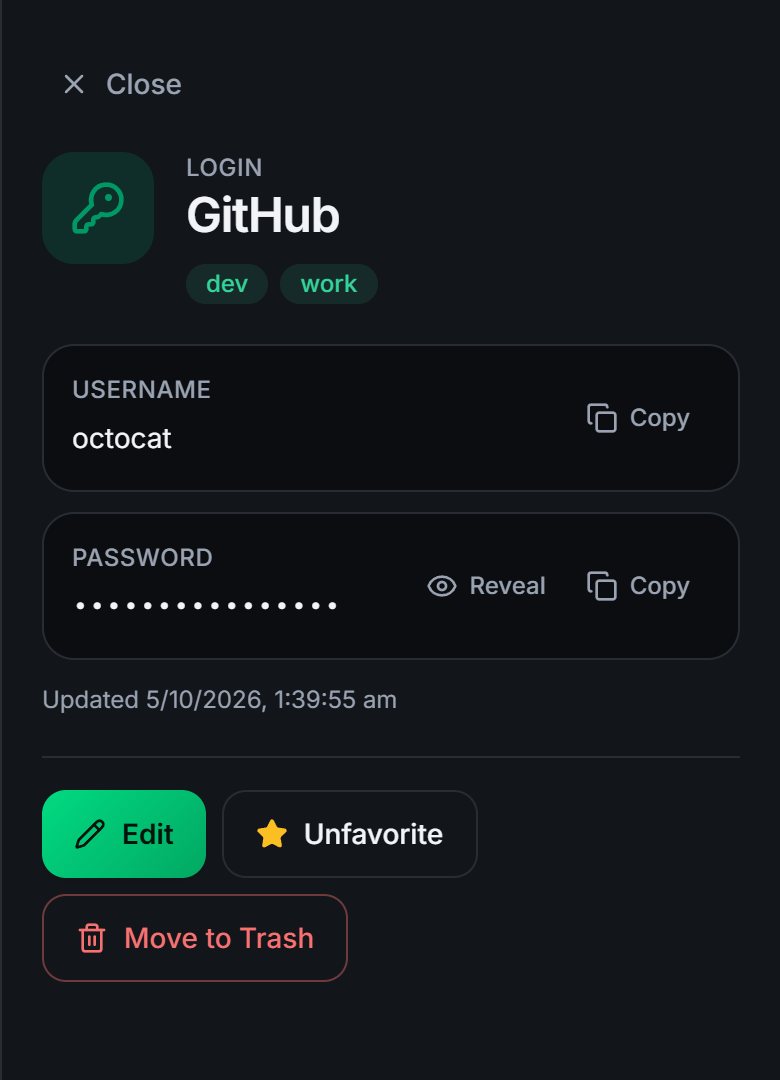
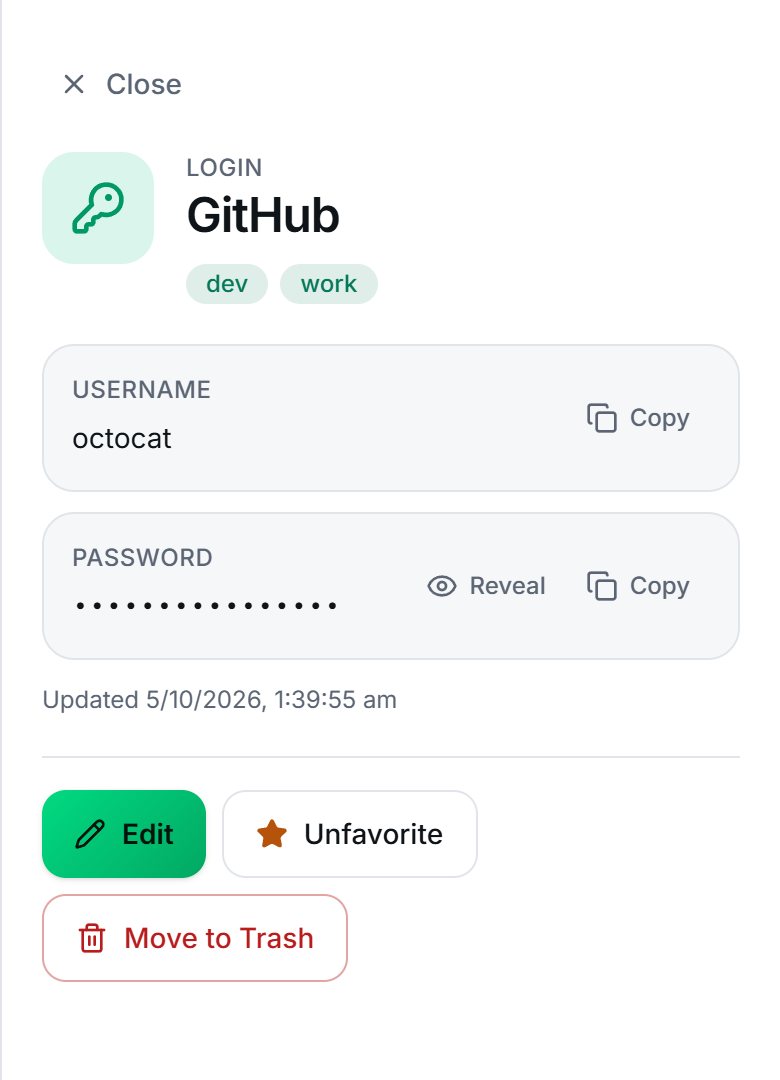
GrailVault is a web app that adapts to small screens: a bottom bar replaces the sidebar, and details open full width.
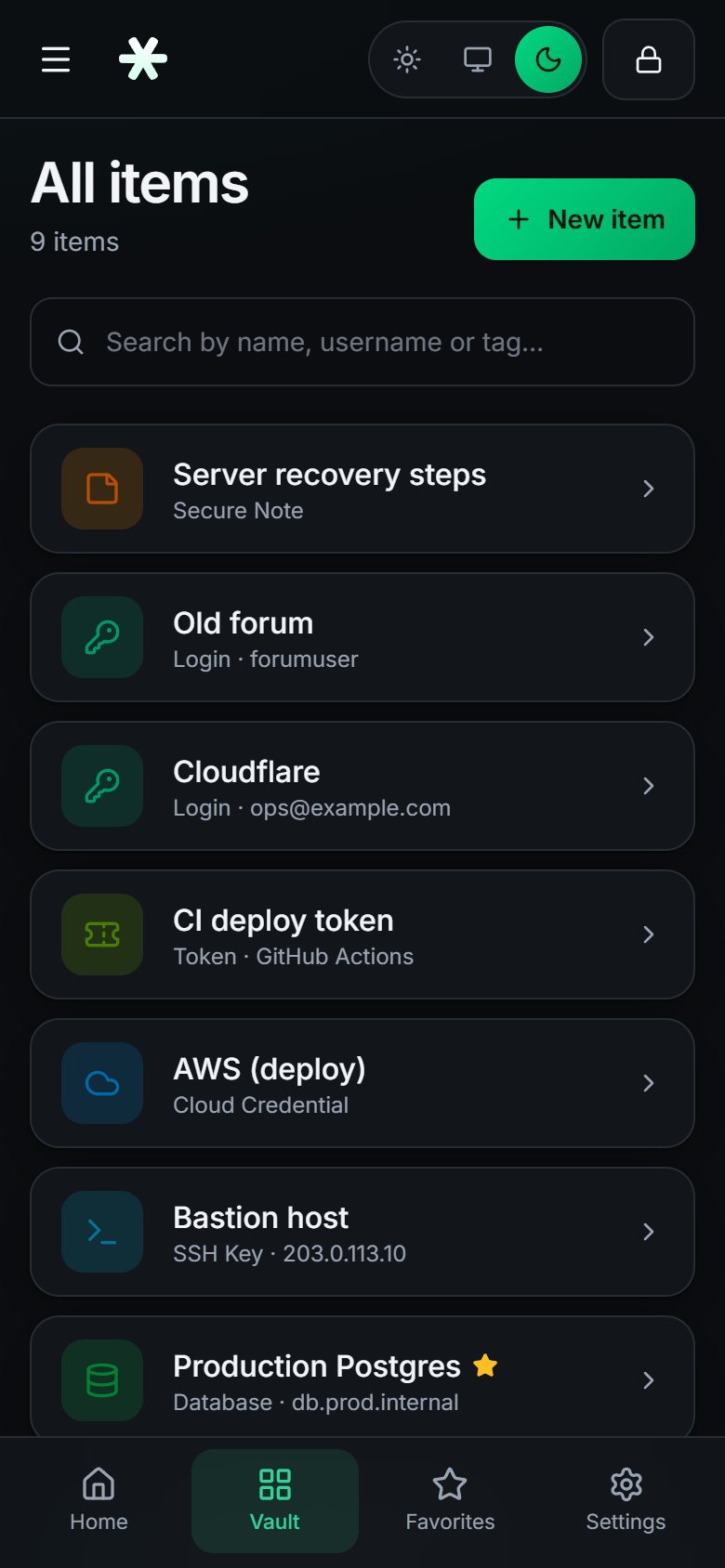
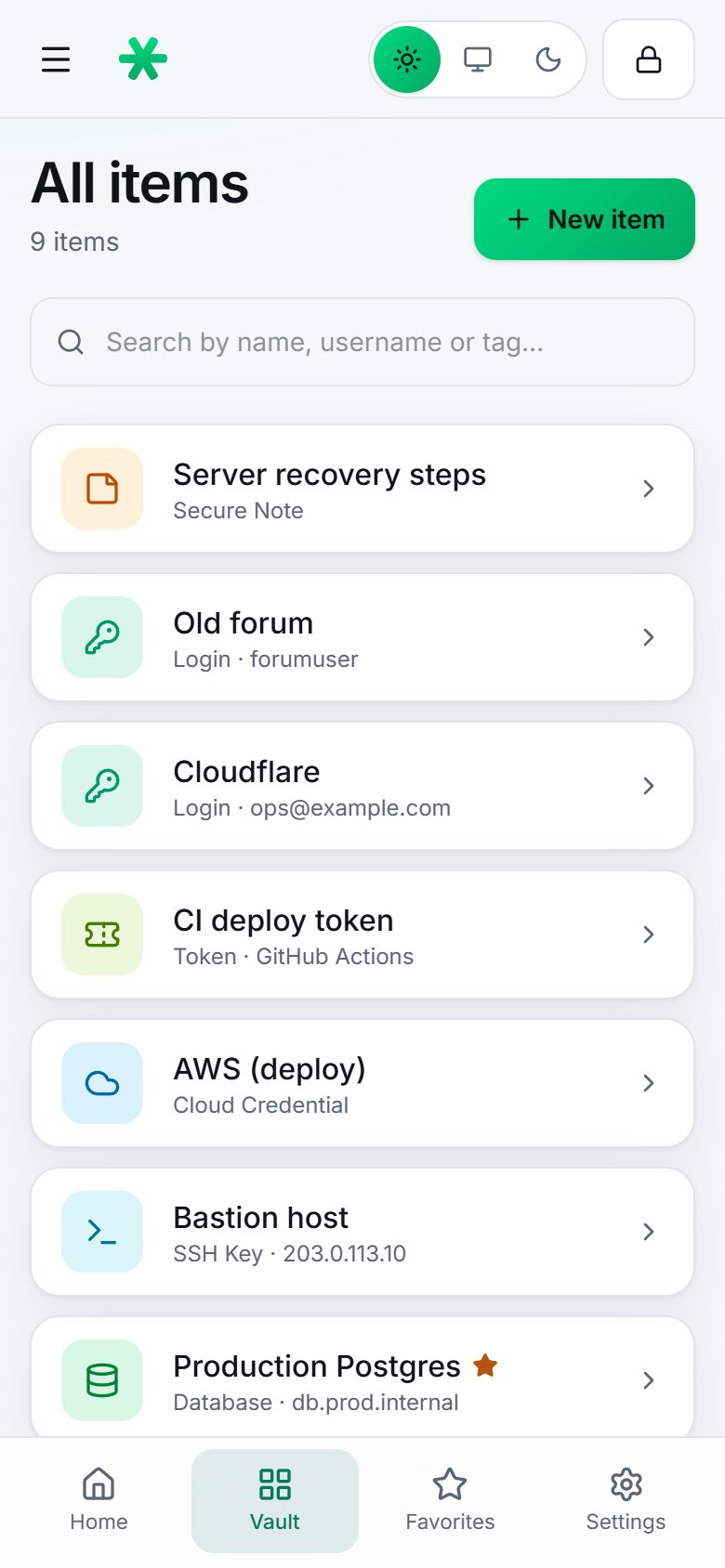
There is no separate mobile app yet. You use GrailVault in your phone's browser, and you can unlock it with your phone's fingerprint, face or screen lock; see Device unlock.
Note
The browser extension works in desktop browsers. Phone browsers do not run it, so on a phone you open the vault and copy or reveal what you need. A mobile app with autofill is something we want to build, but it is not available yet.
Tip
If your phone shows the sign-in page without the Unlock with your phone's lock button, your phone may not support it. Your master password always works. See Device unlock.