

Security and account
Your master password
Choosing a strong master password and changing it later.
Your master password protects everything. It is never sent to the server and cannot be recovered, so it deserves a little care.
#Choose a good one
- GrailVault requires at least 12 characters.
- A passphrase of four or five unrelated words is easier to remember and harder to guess than a short mix of symbols.
- Never reuse a password you use anywhere else.
- Do not store it in the vault it unlocks.
Remember that your recovery key is an independent way back in; see Recovery key.
#Change your master password
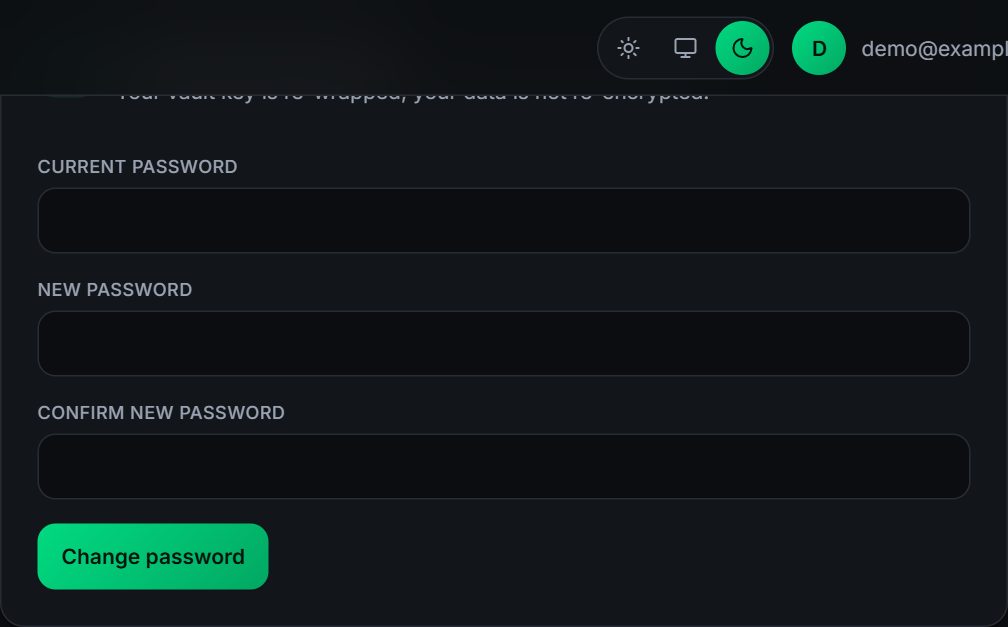
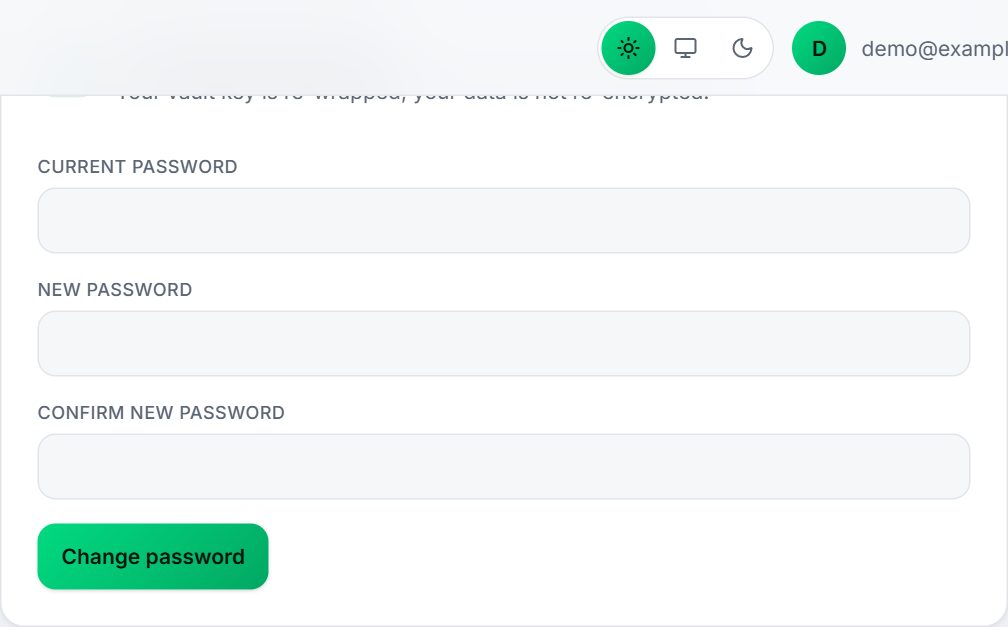
- Open Settings and find Change master password.
- Enter your current password, then your new password twice (at least 12 characters).
- Choose Change password.
What happens:
- Only your vault key is re-protected with the new password. Your items are not re-encrypted, so it is quick and safe.
- Every other signed-in device is signed out, and you are signed out here too and asked to sign in with the new password.
- Your recovery key keeps working. It protects the vault key itself, which does not change.
- A wrong current password counts toward the sign-in lockout (5 failures lock the account for 15 minutes).
#If you forget it
Use your recovery key on the sign-in page: Forgot your password? See Recovery key. If you have neither the password nor the recovery key, your data cannot be recovered by anyone.