

Security and account
Active sessions
See every device you are signed in on, and sign any of them out.
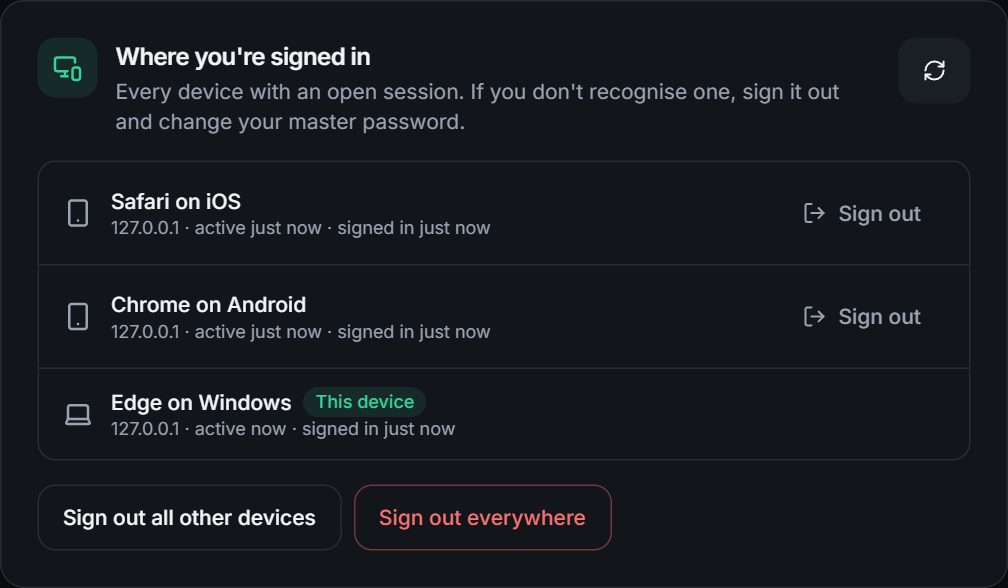
Under Settings, Where you're signed in you can see every device that currently has your account open and end any of them.
#What you see
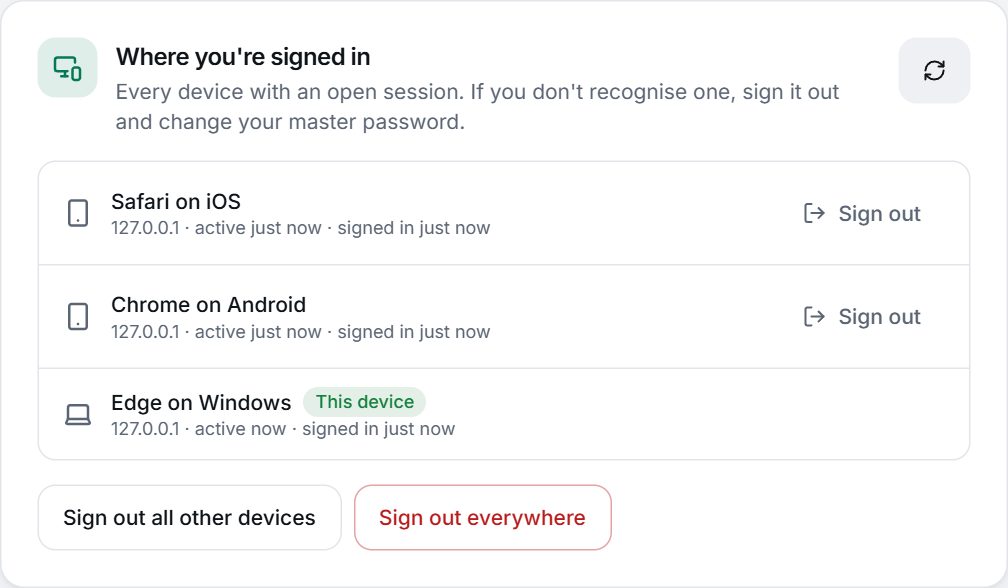
For each device: the browser and system (for example Edge on Windows or Chrome on Android), its IP address, when it was last active and when it signed in. Your current device is marked This device. Browsers where you use the extension appear as, for example, Chrome extension on Windows.
#What you can do
- Sign out next to a device ends that one.
- Sign out all other devices keeps only this one.
- Sign out everywhere also ends this session and returns you to the sign-in page.
If you do not recognise a device, sign it out and then change your master password.
#What happens on the device you sign out
Its session stops working on the server immediately. The device locks itself and returns to the sign-in page the next time it makes a request, moves to another page, regains focus, or runs its one-minute background check. Locking wipes the keys and decrypted items from that browser's memory.
Warning
Signing out cannot reach into a device and erase what it is showing at that very moment. It cuts the device off from the server straight away and the device locks within moments, but if a device was stolen while unlocked, someone could read what was already on screen in that short window. Sign it out as soon as you notice and change your master password if you are worried.
#Automatic limits
- A website session lasts at most 12 hours, and an extension sign-in at most 7 days. There is no idle timer: a device stays open until it is locked or signed out.
- Changing your master password, turning on two-factor authentication and resetting a password with your recovery key all sign out your other devices.
- An account keeps at most 20 signed-in devices. The oldest are signed out first.
- "Last active" updates at most every 5 minutes, so it is approximate. The IP address and device name come from the connection and browser, so they can be approximate too.