

Welcome to GrailVault
GrailVault saves and fills your passwords and keeps them encrypted so only you can read them. These pages show you how to use it.
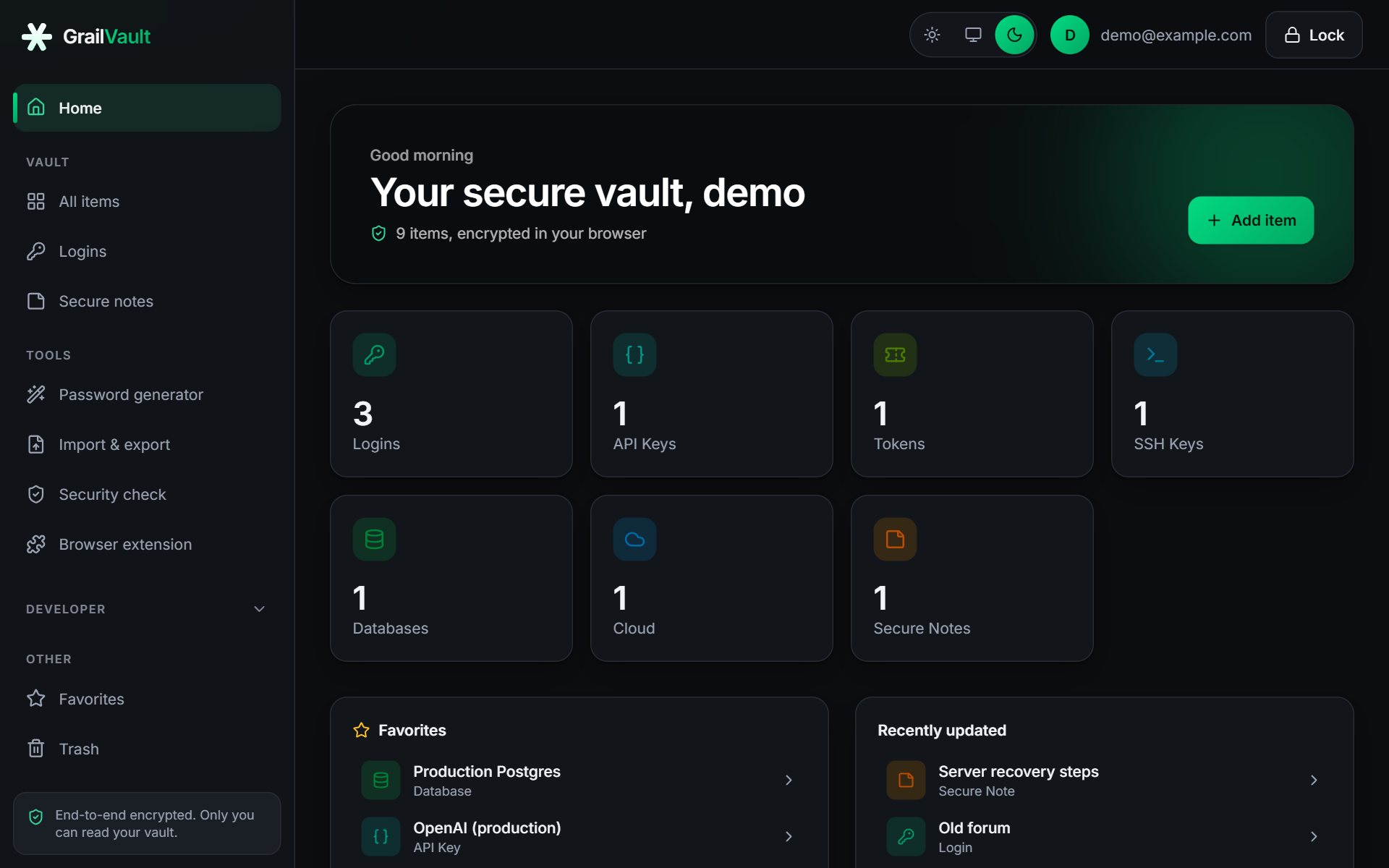
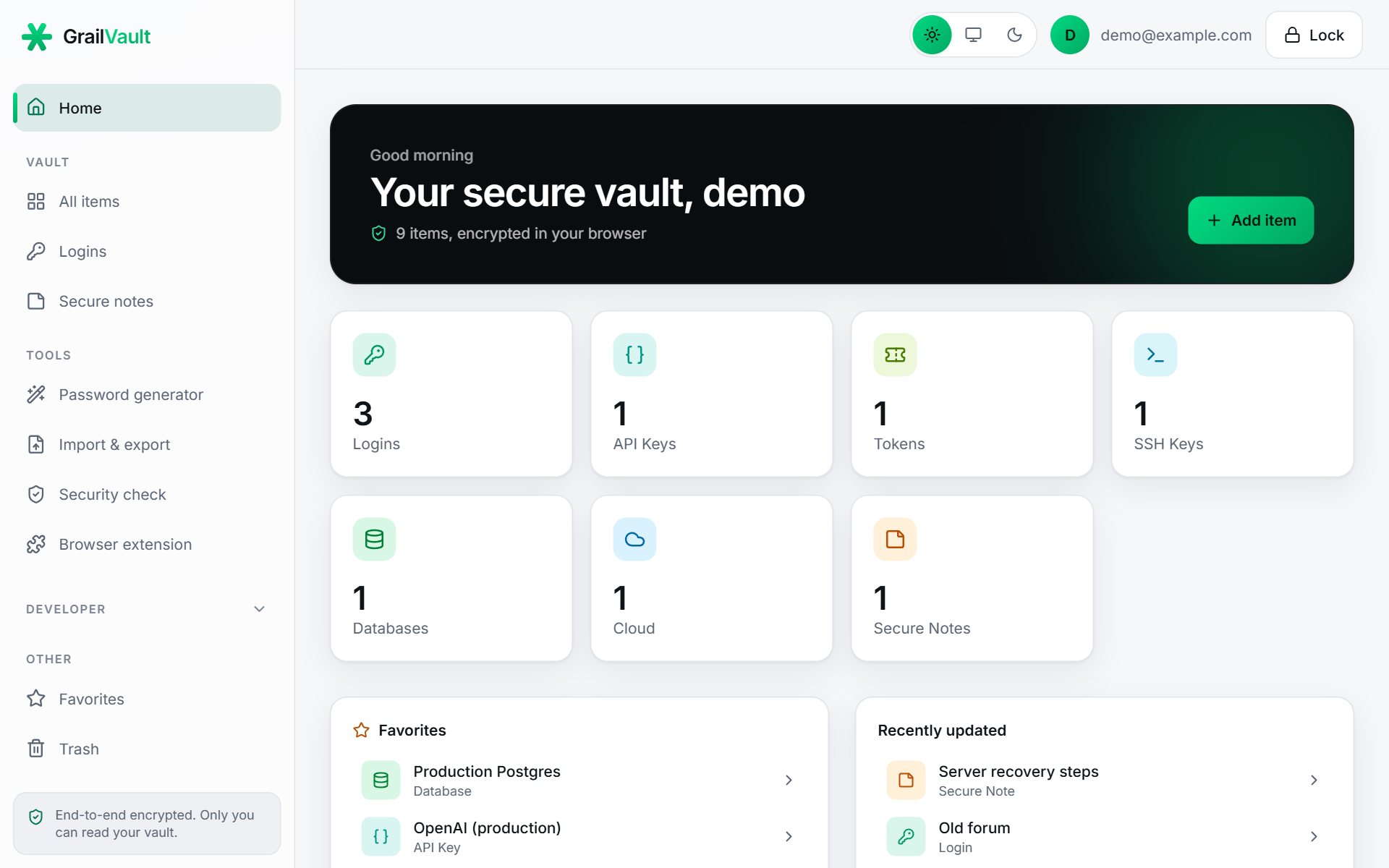
GrailVault is a password manager. It saves your logins, fills them in with one click through a browser extension, and keeps everything encrypted in your browser before it is saved, so even we cannot read your passwords.
#Start here
| I want to... | Go to |
|---|---|
| Get set up in a few minutes | Quick start |
| Create my account and understand the recovery key | Create your account |
| Bring in the passwords my browser already saved | Import passwords |
| Fill and save logins as I browse | Install the browser extension |
| Find weak, reused or leaked passwords | Security check |
| Know exactly how my data is protected | How your data is protected |
| Understand the free trial and the plans | Plan and billing |
| Fix a problem | Extension troubleshooting or the FAQ |
#How the docs are organised
- Getting started gets you signed up and storing logins.
- Using GrailVault covers importing, organising, copying and the security check.
- Browser extension explains autofill and auto-save.
- Security and account explains protections such as two-factor sign-in, the recovery key, device unlock, your activity log and your plan.
- Reference has the FAQ, an honest list of limits, and a glossary.
Tip
Press / anywhere on this site to search the documentation.
#Two things worth knowing right away
- Your master password cannot be recovered. Nobody can read your data or reset your password, including us. When you sign up you are given a one-time recovery key. Keep it somewhere safe.
- You get a 14-day free trial with everything included. After that you choose a plan; if you do not, your vault becomes read-only (you can still see and export everything). Nothing is ever deleted because of a missed payment.