

Getting started
Create your account
Sign up, choose a master password, and save your one-time recovery key.
Anyone can create an account. Each account has its own private vault that no other account can see, and every new account starts with a 14-day free trial that includes everything. You do not need a card to start.
#Sign up
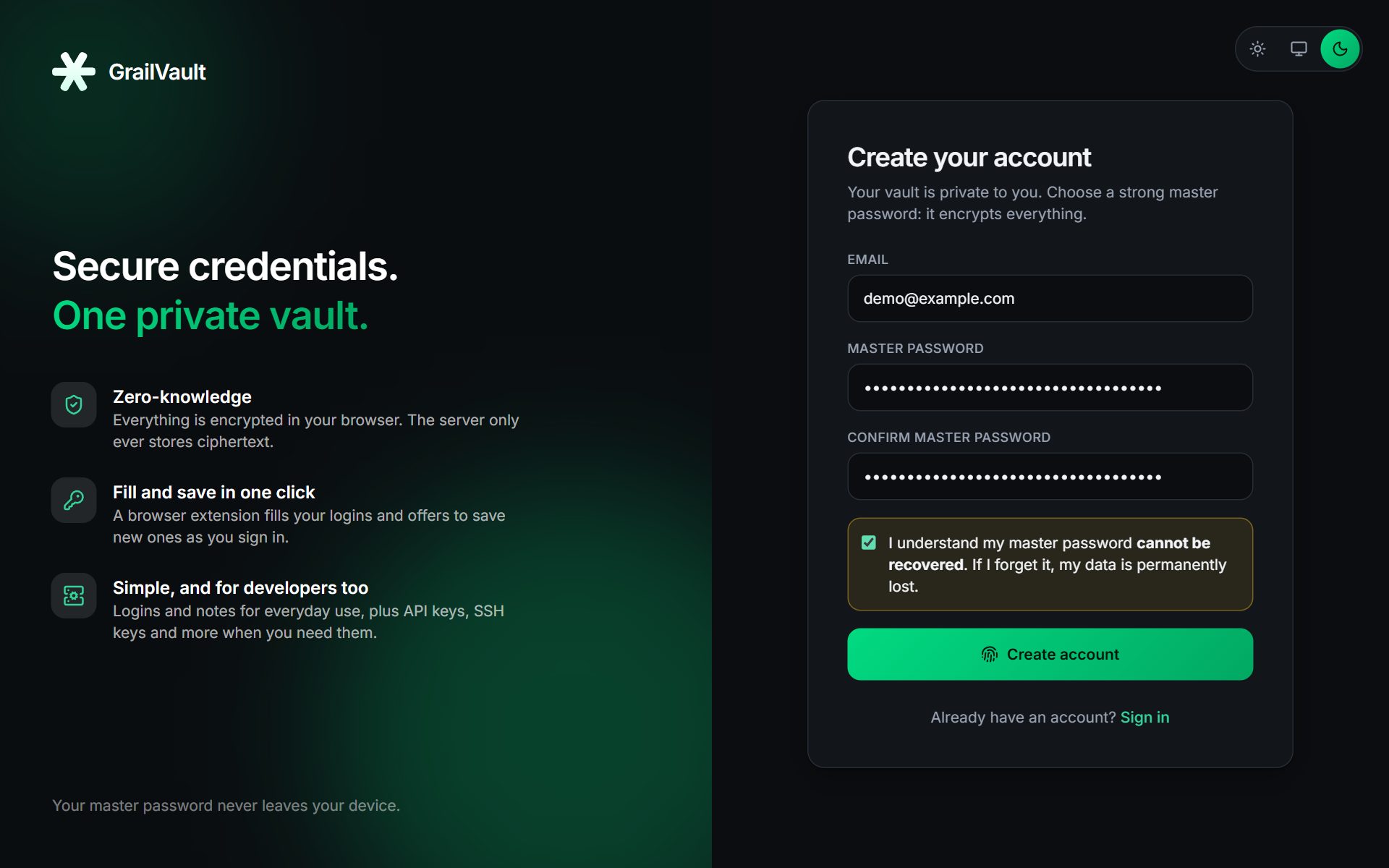
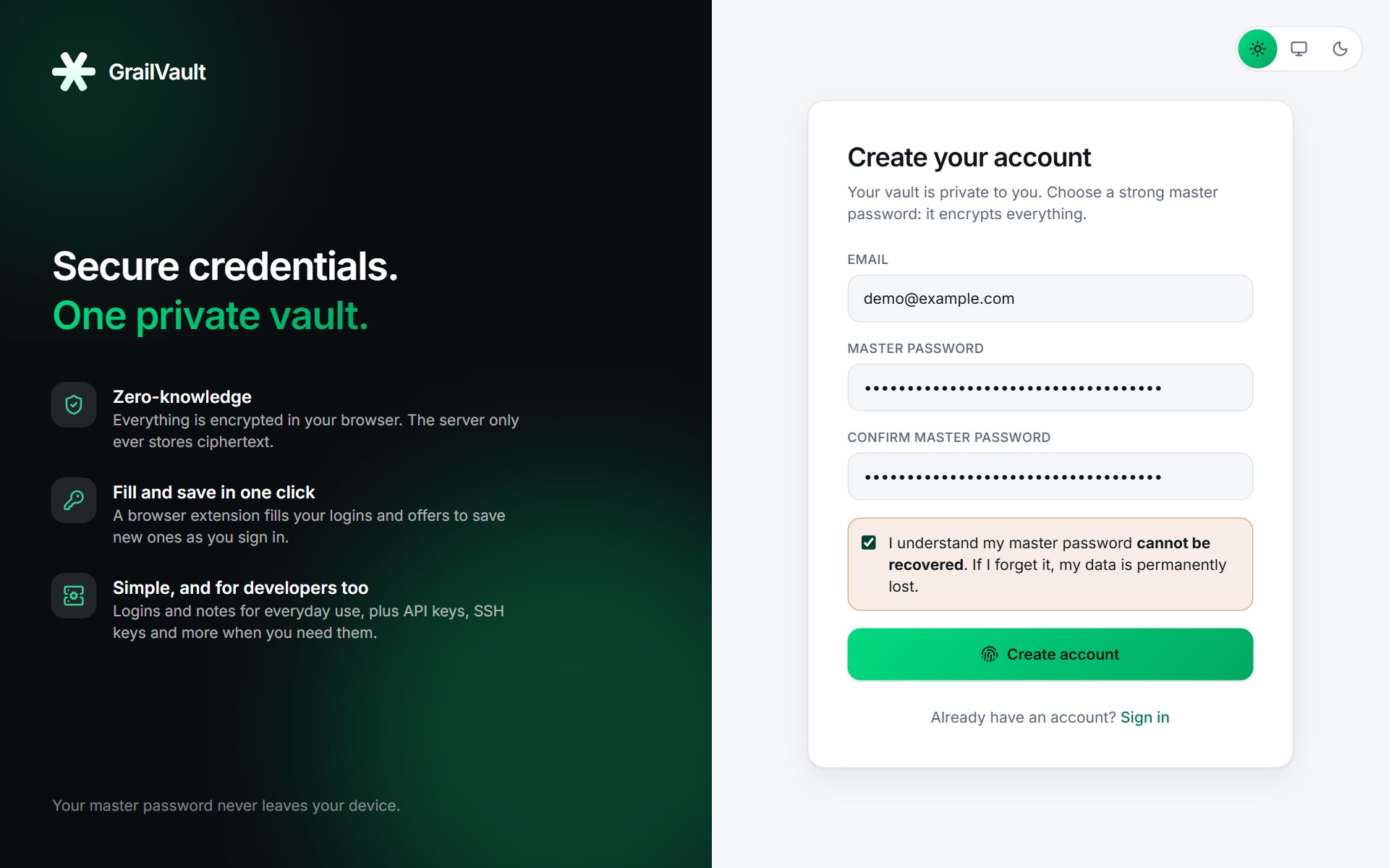
- Open GrailVault and choose Register.
- Enter your email address. It is used to sign in and is the only personal detail we keep.
- Choose a master password of at least 12 characters, and type it again to confirm.
- Tick the box saying you understand the password cannot be recovered.
- Choose Create account.
Warning
Your master password is the key to your vault, and it is never sent to us. If you forget it, nobody can reset it for you. That is the price of real privacy, and it is why the next step matters.
#Choosing a good master password
A long passphrase beats a short complicated one. Four or five unrelated words are easy to remember and very hard to guess. Do not reuse a password from anywhere else. See Your master password.
#Save your recovery key
Right after signing up you see a one-time recovery key: eight groups of four letters and digits.
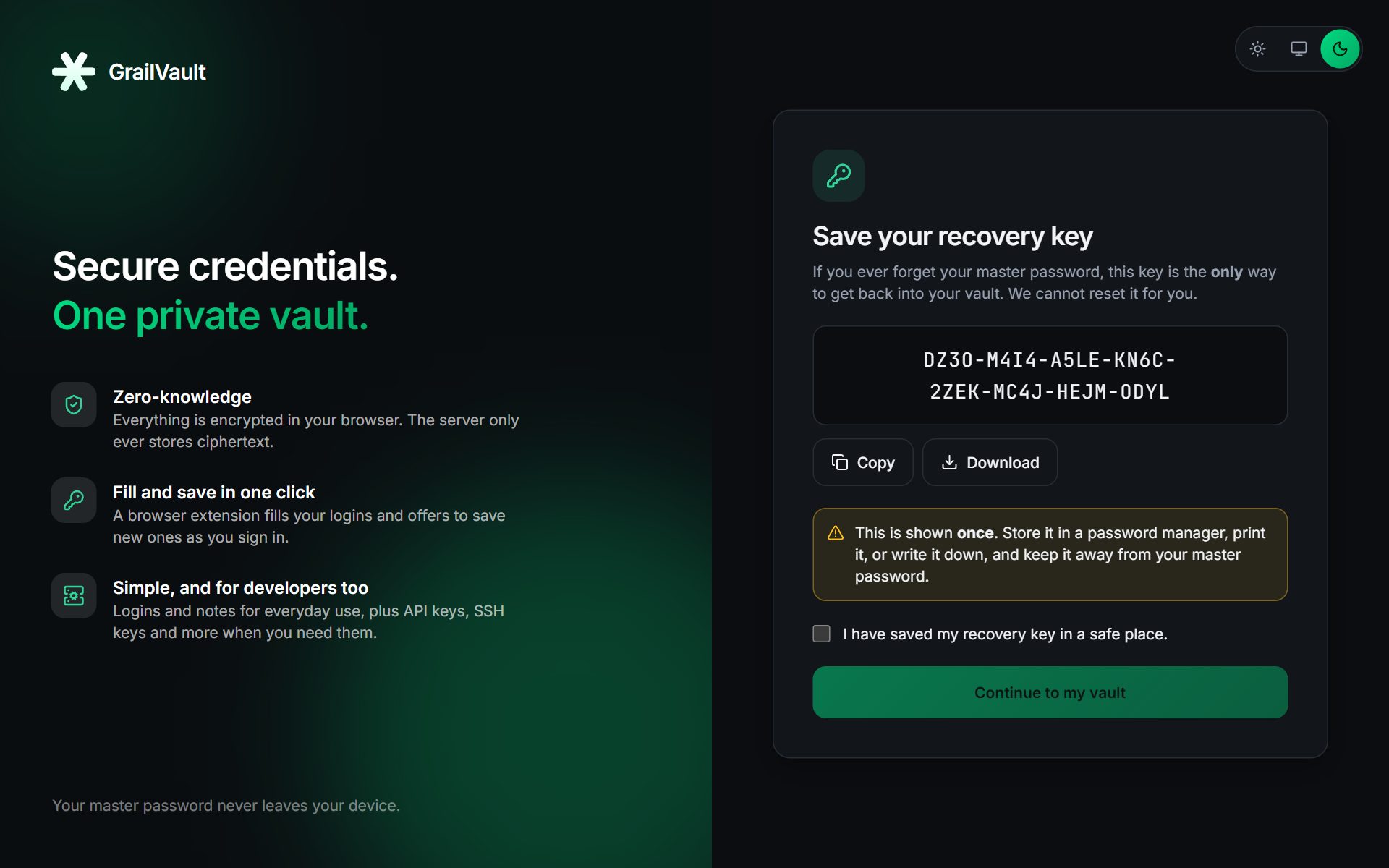
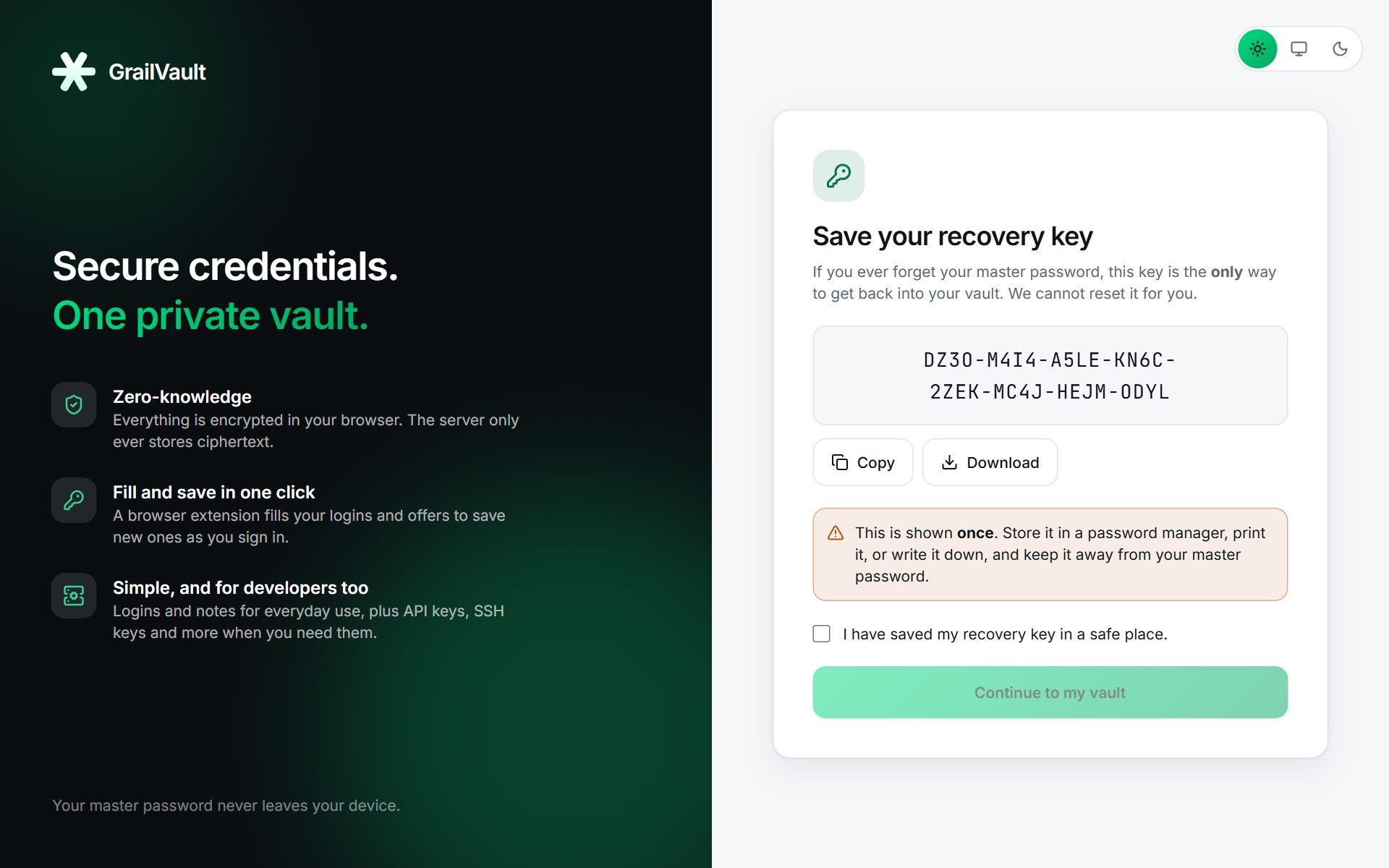
- Choose Copy or Download and store it somewhere safe, such as a printout in a drawer or a safe.
- Keep it separate from your master password.
- You must tick I have saved my recovery key in a safe place before you can continue.
The recovery key is shown only once. If you ever lose it you can make a new one in Settings, as long as you can still sign in. Read Recovery key for how to use it.
#What happens next
You land on your dashboard with an empty vault and three ways to start: import your passwords, get the browser extension, or add a login. Continue with the Quick start.