

Security and account
Recovery key
How the one-time recovery key lets you reset a forgotten master password without losing your data.
Because nobody can reset your master password for you, GrailVault gives you a recovery key: a second, independent way to get your vault key back.
#What it is
A random 160-bit key, shown as eight groups of four letters and digits, for example ABCD-EFGH-IJKL-MNOP-QRST-UVWX-YZ23-4567. It is created in your browser when you sign up and shown once. The server stores only a protected copy of your vault key that this recovery key can open, and a hash used to check the key. It never stores the recovery key itself.
#Keep it safe
- Save it in a password manager, print it, or write it down.
- Keep it separate from your master password and not on the only device you use.
- Treat it like a spare key to your house: anyone with the recovery key and your email address can take over your vault.
#Reset a forgotten master password
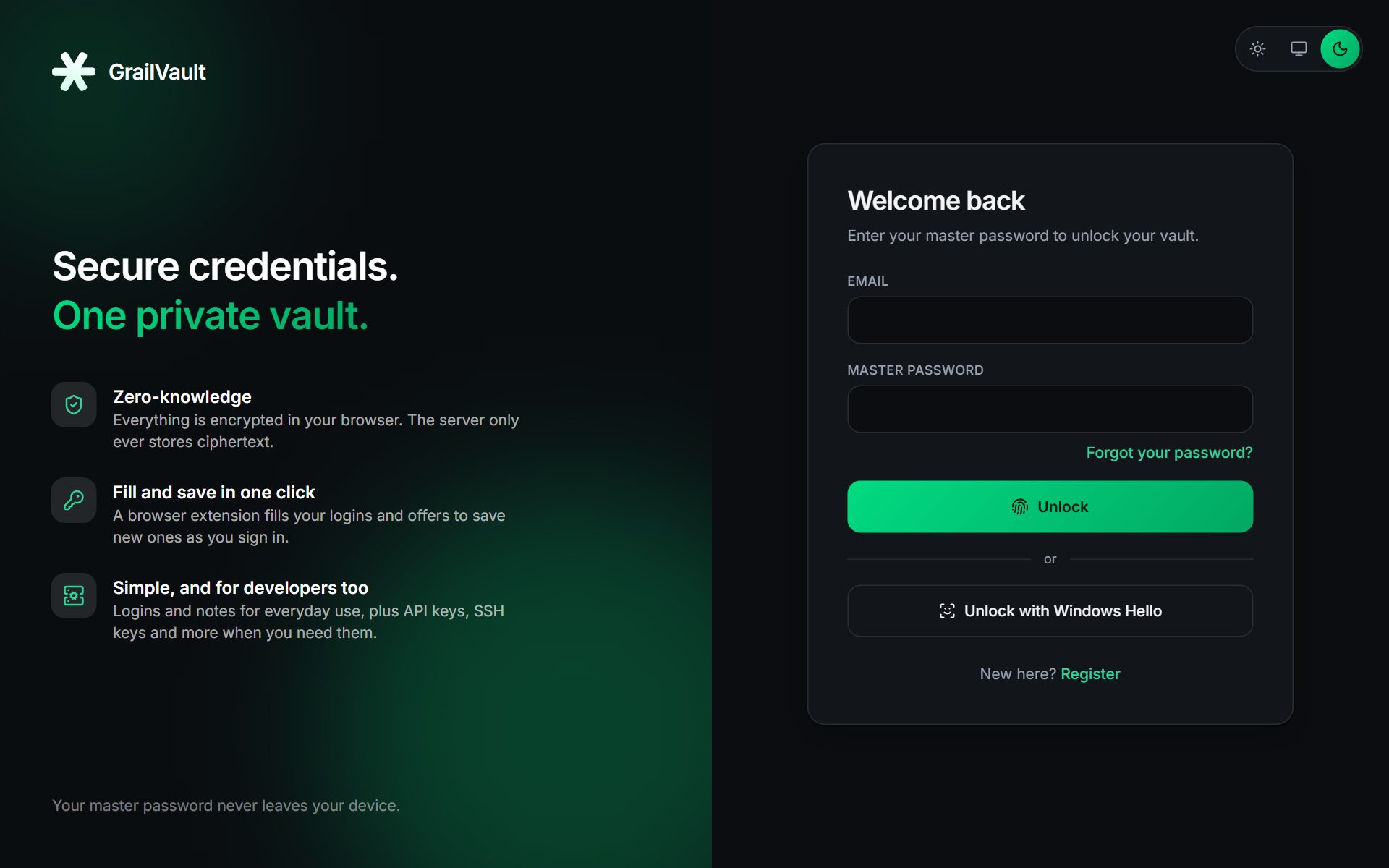
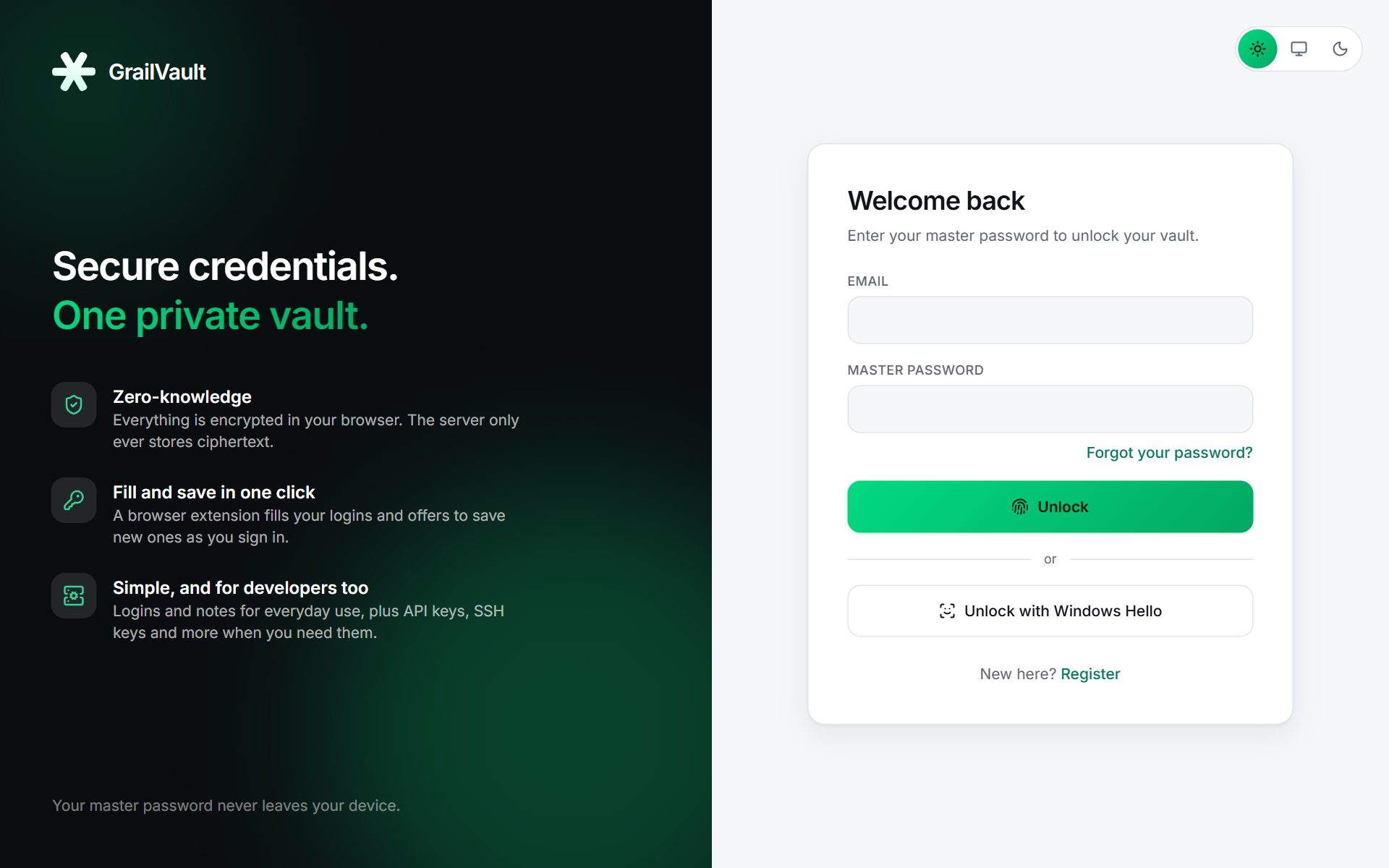
- On the sign-in page choose Forgot your password?
- Enter your email, your recovery key (any case, with or without dashes) and a new master password twice.
- Choose Reset password, then sign in with the new password.
All your data is still there: the recovery key unlocks the vault key, and your browser protects it again under the new password. Every signed-in device is signed out as part of the reset.
Wrong recovery attempts count toward the same lockout as wrong passwords (5 failures lock the account for 15 minutes).
#If you also use two-factor authentication
A password reset keeps two-factor on, so you will still need a code (or a backup code) to sign in afterwards. If you have also lost your authenticator and your backup codes, tick I also lost my authenticator app and backup codes on the reset page. That resets the password and turns two-factor off. See Two-factor authentication.
#Make a new recovery key
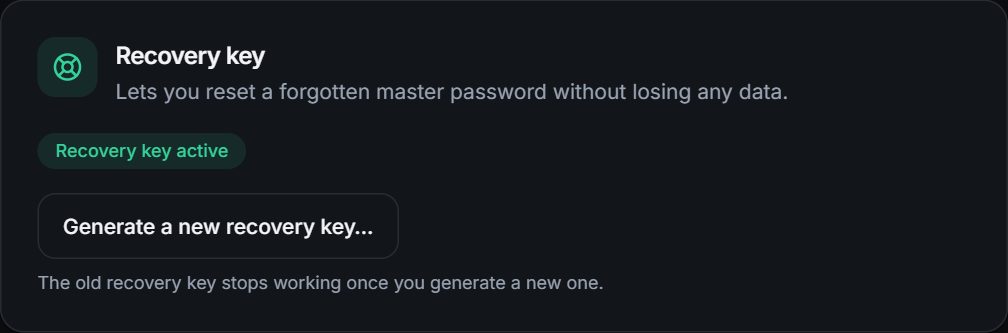
In Settings, Recovery key choose Generate a new recovery key, enter your master password and save the new key. The old key stops working as soon as you generate a new one.
Warning
If you lose both your master password and your recovery key, your data cannot be recovered by anyone, including us.